
See, Explore, Learn: Using 360 Virtual Experiences in Primary ELT
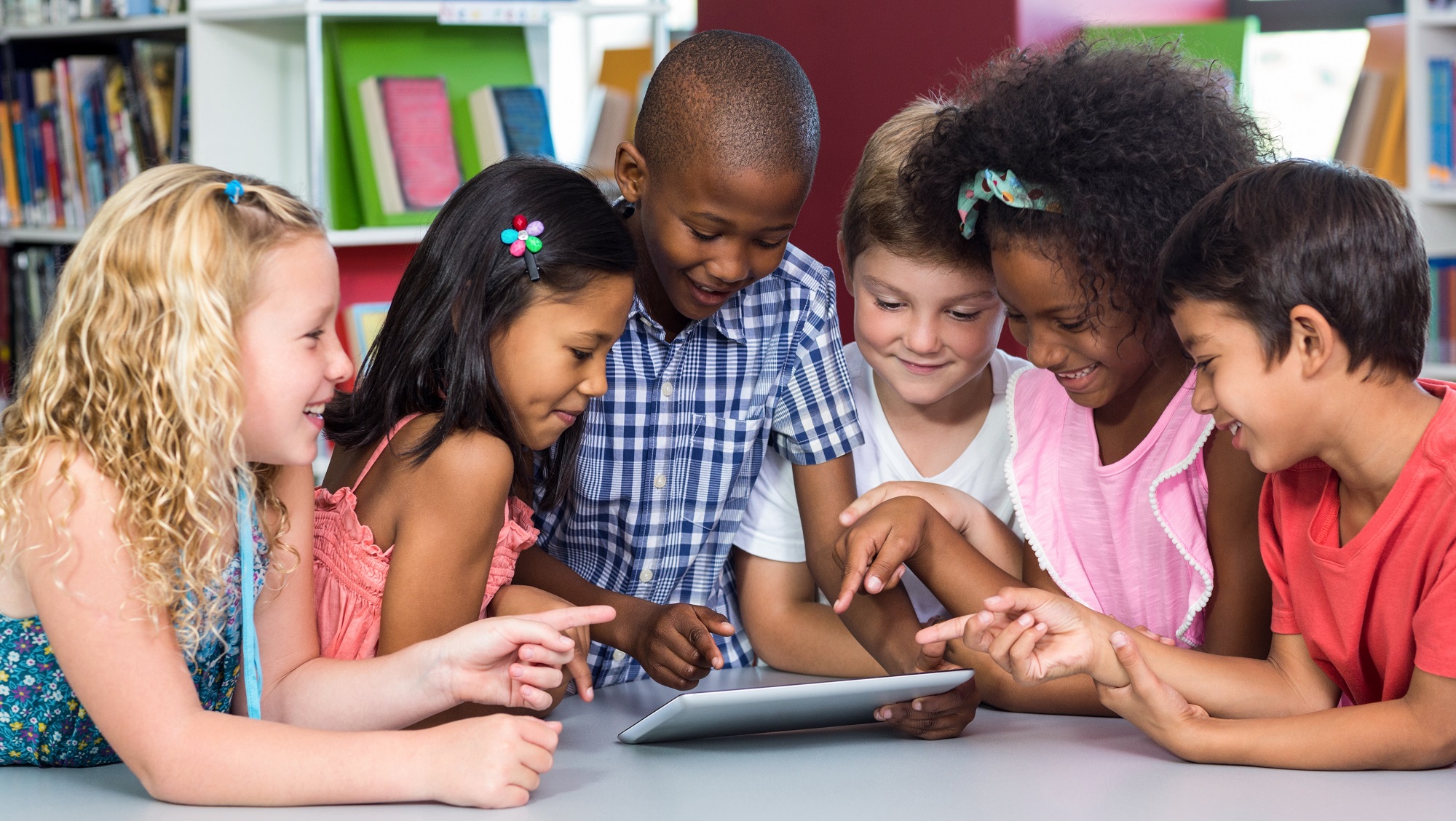
Day trips have always been a highlight of school life—the excitement of going somewhere new, being with classmates, and learning in a different place is altogether a wonderful experience. Of course, not every class can go on regular trips, but generally students will have at least one trip a year.
If frequent trips are restricted due to costs, distance, and logistics, fortunately, technology can now bring the world into the classroom. Thanks to virtual experiences, such as 3D interactive maps, 360 recordings, and livestreams, exploration is made possible from virtually anywhere (pun intended), and for everyone. In primary ELT classrooms, these experiences can be used as multimodal, supplementary, English learning materials, which give younger learners more opportunities to explore, observe, and communicate in English.
In this blog, I share ways to use virtual experiences as an alternative to day trips for younger children to gain more opportunities to use English beyond the textbook and into real-world use.
Explore Through 3D Interactive Maps
If it isn't viable to make frequent trips to museums or parks, the selection of online options has grown as many organizations have mapped out their floors or grounds for people to enjoy on their own devices. Museums, botanical gardens, and tourist attractions are a few of the many examples available now. Navigating these spaces creates interactive opportunities for students to use the target language while exploring different locations around the world. Here are some examples of activities:
Getting From A to B With Google Street View
To start with something simple, Google Street View is easily accessible and can be used to explore local areas that students are familiar with or curious about. Teachers can show the street view of their local school areas or pick another area of interest for students to explore. Street view can serve as a conversation starter or as a prompt to help students visualize what they would like to share.
 If the students are working on asking for directions or planning a trip somewhere, having the location on screen can encourage them to use the target language and focus on form. Examples include
-
- asking for or giving directions (e.g., Turn right, Go straight...)
- making suggestions (e.g., Let's go to..., How about...?)
- using prepositions of place (e.g., Next to, Between, Behind)
- describing places (e.g., I can see..., There is/are...)
Visiting a Museum or Park Through Official Websites
Museums around the world have mapped out their floors with exhibitions for the public to explore. Depending on your current classroom focus, there are several ways to incorporate these 3D interactive maps into your lessons. You could explore the different rooms and exhibits together in real time with your students as a whole-class activity. Alternatively, students could work in pairs or small groups to explore their exhibition of choice together.
You could also set this as a homework task. Ask students to write about the route they took and briefly describe what they liked and disliked about the exhibition with their classmates in the next lesson. This adds a clear communicative purpose and reinforces functional language, such as giving directions and opinions.
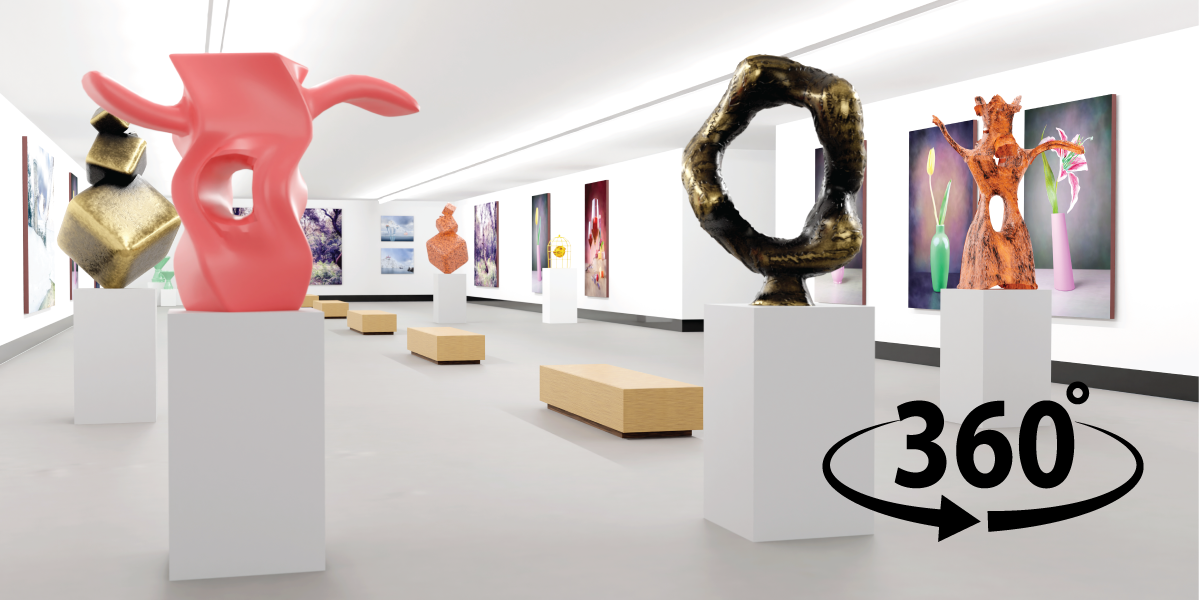
Some museums also have printed floor maps, which can encourage further interaction and pair work in class. It is worth checking to see if these resources are available before your lesson. Just like excursions, exhibitions and virtual tours can change over time, so it's a good idea to revisit the websites before class. Here are a few examples:
-
- The Louvre in Paris, France offers an immersive virtual map where students can navigate different floors, where they will encounter stairs, multiple doorways, and artwork to discuss. As the museum signs and exhibitions are written in French, additional support or translations may be needed if you or your students do not speak the language.
- The United States Botanic Gardens in Washington, DC, USA has created an interactive virtual tour through Google Street View, with suggested starting points available on their website. These tours currently show the gardens in October, which is the transition period, highlighting the changing colour of leaves from greens to browns. This also presents opportunities for students to see nature in transition and, if it aligns with a current unit, to talk about different plants and flowers.
- The Pitts River Museum, located in The University of Oxford, UK presents a 3D virtual exhibition of historical artefacts. Each corridor can be viewed at 360 degrees with clear displays of all sorts of tools in glass cabinets. While the smaller text next to objects may be difficult to read, the high-quality graphics for each artefact are impressive—making the tour ideal for language-based activities like describing, counting, and comparing objects.
If students have access to their own devices, you can prepare a list of objects for them to find or ask them to create their own list for others to find, turning the activity into a fun scavenger hunt. Once they locate the objects, students can practice giving directions by explaining how to navigate them.
Learn Through Guided Tours
There is also a growing selection of 360 recordings or livestreams that provide multimodal learning experiences with a combination of reading or listening material. You and your class could:
Explore Sea Life
Take a virtual dive to review vocabulary on sea life or write about a sea life adventure. XL Catlin Seaview Survey has the largest selection of 360 videos of coral in the world. They are perfect for playing on the big screen for the entire class to observe and spot what sea life they can see underwater. For more variety, National Geographic has 360 videos such as Journey into the Deep Sea - VR, which combine recorded clips with written texts to introduce different marine life.
Observe Animals at the Zoo
Many zoos worldwide provide live webcams, allowing students to watch animals in real time. These can be used to discuss animal actions, appearances, and behaviors at different times of day—but be sure to check the livestream times, especially for international zoos, and see if the times fit with your class time. If not, there are still recorded favorites to observe.
Here is a listing of zoo webcams as of April 2026:
|
Zoo |
Location |
Type |
Animals Featured |
Livestream Times |
Extra Notes |
|
Edinburgh, UK |
Live |
Penguins, tigers, lions, giraffes, koalas |
24/7 |
Shows day and night |
|
|
Washington, DC, USA |
Live |
Giant panda, cheetahs, naked mole rat, lions, elephants |
7 am–7 pm ET daily |
Includes optional Animal Cam Bingo Card activity |
|
|
California, USA |
Live |
Sun bears, grizzly bears |
6 am–7 pm PDT daily |
Availability depends on current recued/ resident animals |
|
|
Auckland, New Zealand |
Recorded |
Otters, meerkats, long-finned eels and more |
N/A |
Include guiding questions |
For more guided experiences, Google Arts and Cultures has a range of guided tours that can be selected based on subjects, making them ideal for integrating English learning with other topics. Each theme has interactive clips with either texts for students to read or recordings for them to listen to. While these exhibitions may change from time to time, the website clearly describes the content of each tour—whether text, video, or podcast—to help with planning.
With these activities, time will go pretty quickly! Fortunately, being virtual, these trips can be paused and returned to at a later date. These are only a few examples of how virtual experiences can be used in the classroom as supplementary materials to encourage more communication. I hope these ideas help you start or continue incorporating multimodal resources into your lessons, making English language learning fun in an adventurous way.
 Happy Teaching and Learning!

About the author
Annita Stell
Annita balances her roles as a writing instructor for younger multilingual learners of English and an academic at the University of Queensland, Brisbane, Australia. As the author of the TESOL No-Prep Activity Cards: Literacy—Small cards, Big impact—she enjoys making learning fun and not a chore through combining creativity, scholarship, and innovation. Her research focuses on the impact of mediation, self-regulation, and collaboration on second language development.